
 By hashan
You meet someone at an event. The conversation goes well, and they ask for your details. You reach into your wallet and find the last card, slightly bent, with an old phone number printed on it. Or you don’t have one at all, so you start spelling out your email address while they type it into their phone.
It works, but it isn’t exactly memorable.
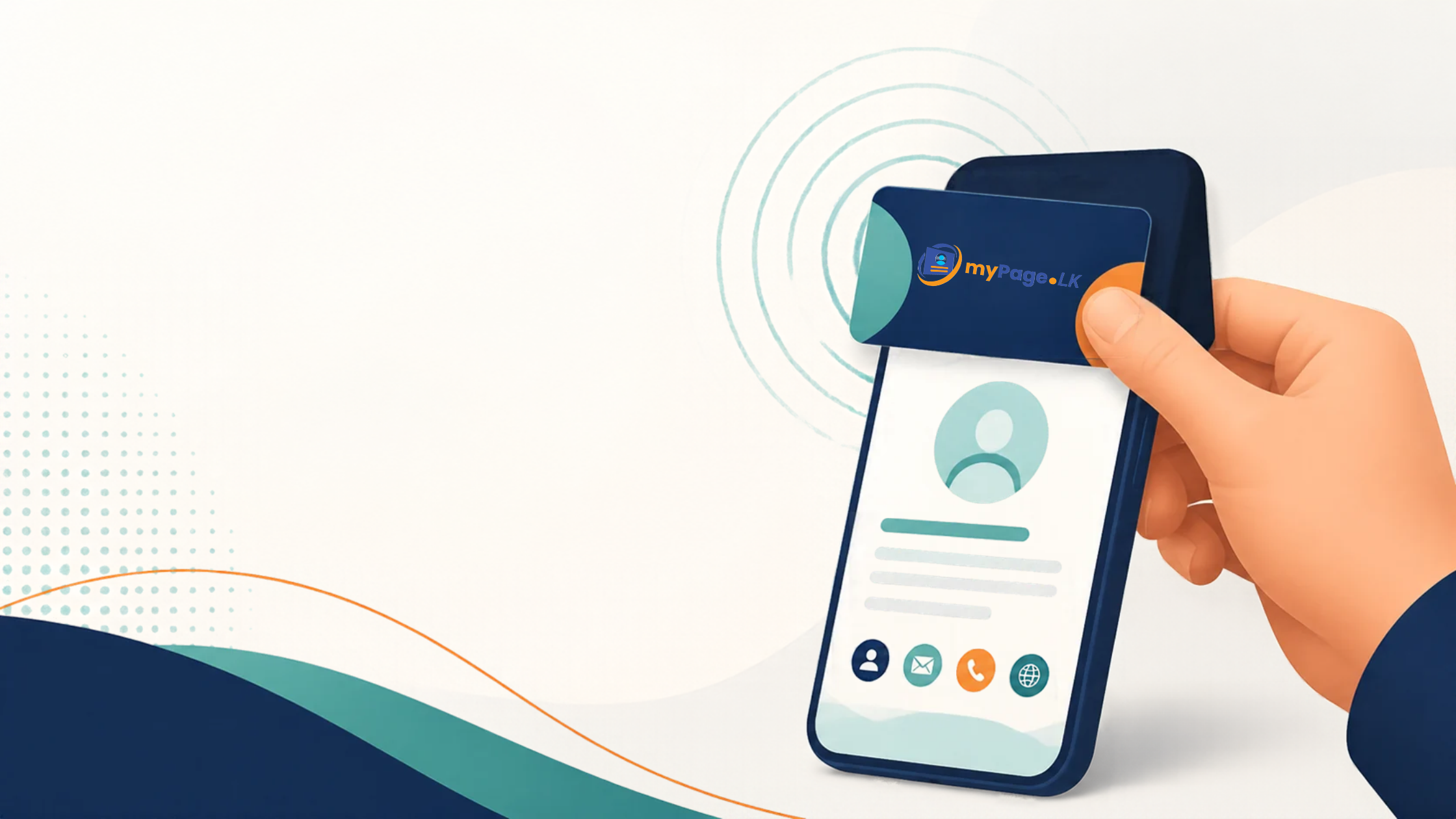
NFC business cards solve this in about two seconds: you tap your card on the back of their phone, and your full profile opens. No typing, no app, no “what’s your LinkedIn again?”. If you have seen someone do this and wondered how it works and whether it is worth it, this guide covers everything in plain language.
What is an NFC business card?
NFC stands for Near Field Communication, the same short-range technology behind tap-to-pay cards and phone payments. An NFC business card is a physical card with a tiny chip inside it. The chip doesn’t hold your whole résumé. It stores a single link to your digital profile.
When someone taps the card on their phone, the phone reads that link and opens your profile page in the browser. From there, they can see your name, role, company, links and contact details, and save you to their contacts.
In short, an NFC card is a physical key to your digital profile. The card is the shortcut. The profile is where the real information lives.
How does the tap actually work?
The whole thing takes a few seconds:
- You tap the card against the back of the other person’s phone, usually within a few centimetres.
- Their phone reads the link stored in the chip and shows a prompt or opens the page directly.
- Your profile loads in their browser, with your details and links ready to view.
- They save your contact with one tap, or connect with you on the platforms you have listed.
The other person doesn’t need to install anything. Recent smartphones, including current iPhones and most Android phones, can read NFC out of the box. On some Android phones, NFC may need to be switched on in settings, which is worth knowing if a tap doesn’t respond the first time.
What is it used for?
The simplest answer is networking, but there are more everyday uses than most people expect:
- Meeting new people. At events, interviews, client meetings, exhibitions and conferences, one tap replaces the whole “let me find a pen” routine.
- Sharing your profile and portfolio. Instead of printing a tiny list of links, your card opens a page with your work, your socials and your contact buttons.
- Getting found after the meeting. People are far more likely to look you up if it takes one tap than if they have to remember your name later.
- Representing a business. Shop owners, freelancers and service providers can link the card to their business page, menu, booking link or WhatsApp number.
- Equipping a team. A company can give every employee a consistent card, so each person who meets a customer leaves the same professional impression.
Why use an NFC card instead of a paper card?
1. Your details are always up to date. The card points to a profile, so when you change your job title, phone number or website, you update your profile once. You don’t have to reprint anything, and no one is left holding an outdated card.
2. It holds far more than a paper card can. A paper card has room for a name, a number and an email. A digital profile can hold your photo, your bio, your portfolio, your social links, a map to your office and a save-contact button.
3. It makes saving your contact effortless. Most digital profiles include a one-tap button that saves your details straight into the other person’s phone contacts. Nobody has to retype anything, and nobody makes a typo in your email address.
4. It is memorable. In a room full of paper cards, the person who taps a card on your phone and sees a clean profile pop up is the one people remember.
5. It lasts. Paper cards get lost, bent and thrown away. An NFC card is a durable piece of plastic, and its chip can stay useful for years, while the profile behind it can keep changing.
6. It cuts down on waste. One card you carry for years replaces the stacks of paper cards you would otherwise print and eventually discard.
NFC card, QR code or paper card: which should you use?
They are not enemies. Each one has a place, and a good setup often uses more than one.
| Method | How it works | Best for |
|---|---|---|
| NFC card | Tap on the other person’s phone | Fast, in-person sharing and a memorable first impression |
| QR code | The other person scans with their camera | Posters, screens, presentations, anywhere you can’t hand over a card |
| Paper card | Handed over physically | Situations where nobody wants to use a phone, though details can go out of date |
The good news is that an NFC card and a QR code can point to the same profile. Many professionals carry an NFC card and also keep their QR code ready on their phone or in their email signature, so they are covered whichever way the other person prefers.
Who should get an NFC business card?
Anyone who regularly meets new people and wants to be remembered afterwards. In practice, that includes:
- Freelancers and creatives who want to show their portfolio instantly, such as designers, photographers, developers and writers
- Job seekers and fresh graduates attending career fairs, interviews and networking events
- Sales and business development teams who meet clients daily
- Business owners and startup founders who want one link for their business, socials and contact details
- Real estate agents, consultants and other service providers whose reputation travels through personal contact
- Companies that want every employee to share the same polished, consistent profile
Common questions
Does the other person need an app? No. The profile opens in their phone’s normal web browser. Neither side has to download anything.
Will it work on every phone? On most modern smartphones, yes. If someone’s phone doesn’t support NFC, or NFC is switched off, they can still reach your profile through a QR code or a simple link, so it helps to have those ready as a backup.
Does it need to be charged? No. An NFC card has no battery. It is powered by the other phone when it comes close.
Can I change my details later? Yes. Because the card only stores a link, you edit your profile and the card shows the new information straight away.
Does it work through a phone case? Standard phone cases are normally fine. Very thick cases or ones with metal plates can block the signal.
Tips to get the most from your card
- Make your profile as good as your card looks. The tap gets attention, but the profile is what people judge. Add a clear photo, a short bio and the links that matter most.
- Keep it short. Lead with what you do and how to reach you. People can read more later.
- Test your card before the event. Tap it on a couple of different phones so you know where the chip sits and how it responds.
- Have a backup. Keep your QR code and profile link handy for people whose phones don’t read the tap.
- Follow up. The tap is the start of the conversation. Send a short message the same day while the meeting is still fresh.
Where mypage.lk fits in
At mypage.lk, we built a free digital profile for Sri Lankan professionals and businesses, under a trusted .lk identity. Your profile becomes the place where your name, work and contact details live, and an NFC smart business card gives you a quick, physical way to open it in someone’s hand.
If you don’t have a digital profile yet, start there. Create your page at mypage.lk, make it something you are proud to share, and then let the card do the introducing.
The takeaway
An NFC business card is a small change with a big effect. It turns the first few seconds of meeting someone into a smooth, modern, memorable moment, and it keeps your details accurate long after the meeting is over.
Paper cards had a long run. If you want to be remembered, one tap does more.
Sources and further reading
- NFC Business Cards: How Tap-to-Share Actually Works, Carv
- Digital Business Cards: The Complete Guide for 2026, Carv
- NFC Cards: how they work, Wave Connect
- Frequently Asked Questions, Wave Connect
- NFC Business Cards vs QR Codes: Which Sharing Method Works Best?, Tapt
- What Happens When Someone Taps an NFC Business Card?, Tapt
- NFC Business Cards, Blinq